
Where to Store TikTok Audio: Best Practices for iPhone, Android, and PC
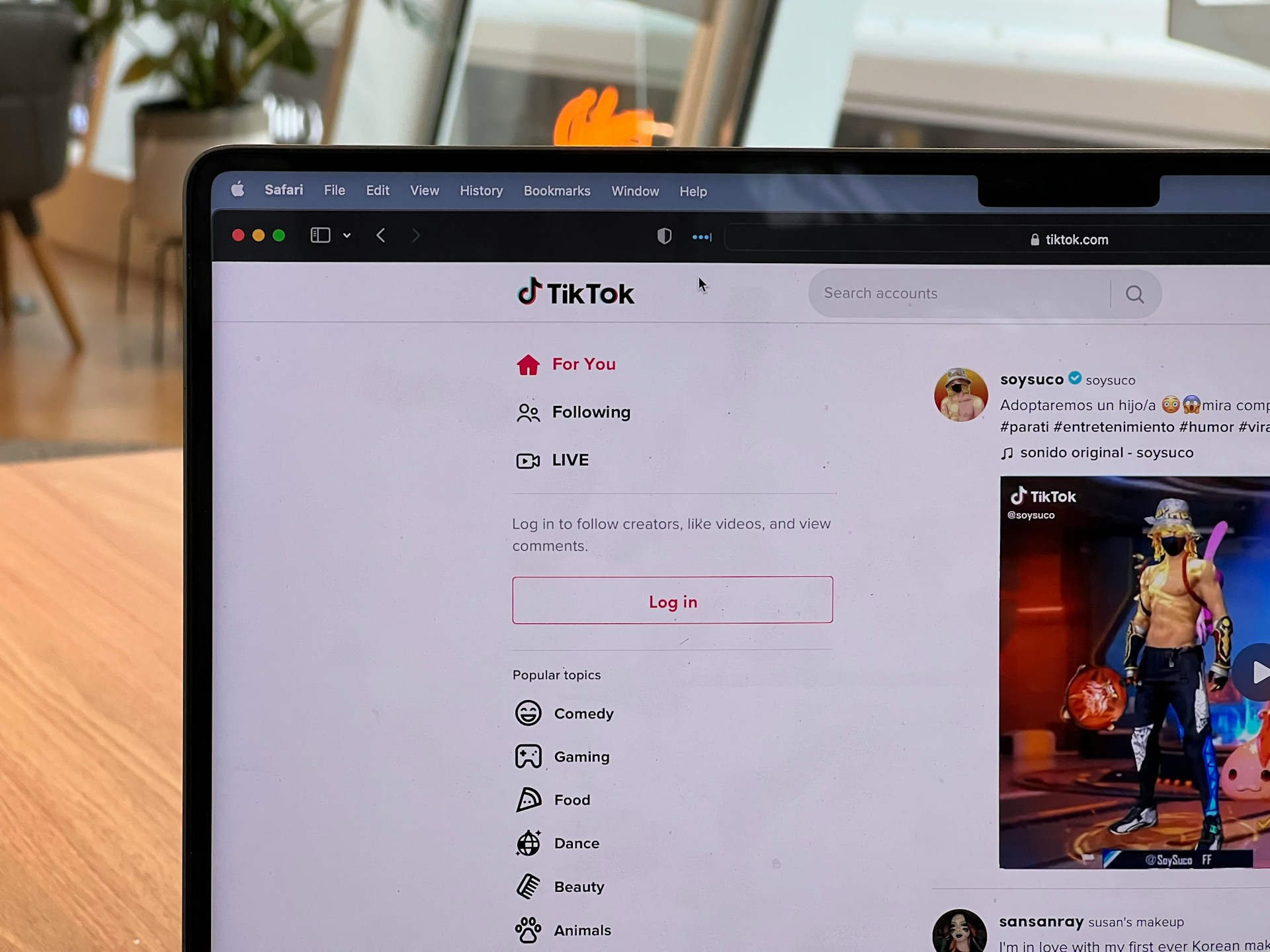
TikTok is more than just a video-sharing platform. It is basically a giant audio hub. After stumbling across some weird remix or a soundbite that just demands to be saved. Unfortunately, there is one big shiny button that says “Download Audio,” and the file is in your music app. However, even if you manage to download the file using an outside service, where does the file end up on your device? In this article, we will tell you where to find TikTok audio on your device.
Can you actually download TikTok audio directly?
TikTok does not give an opportunity to save audio from the content posted on the platform for multiple reasons. Some people try to use the old screen/audio recording. If it is possible, the video can be downloaded using the official “Download” button and then converted to MP3. This is a very messy and time-consuming process. Fortunately, Dumtok is one of the few trustworthy downloaders that allow users to save audio separately.
Storing TikTok Audio
Where are downloads saved on iPhone and Android? Every device has its own hoops to jump through, so here are the steps you would take to find TikTok audio you downloaded using Dumtok.
iPhone
Unfortunately, Apple is not making this easy for you. You can’t just save TikTok sounds to Apple Music. You would download audio from the browser, save it to your Files app, and sort it into folders. To find the audio file, you would go to:
Files > On My iPhone > Downloads
Alternatively, you can just hit up Spotlight and search for the name if you remember it. To ensure that you do not lose the downloaded files, you can back them up in iCloud.
Android
Android makes file management slightly easier. After you download audio with your browser, it’ll drop by default into:
Files > Internal Storage > Downloads
You can rename it, move it wherever, and even set it as your ringtone. If the file is not in the Downloads folder, check your Google Drive. In some cases, music players can auto-detect audio and add it to their library. A file manager app makes organizing those clips into folders, playlists, or a meme collection more convenient.
PC or Mac
Computers make it even easier to find files. They let you change where the files are saved by default. If you have not changed the browser settings, you can find TikTok audio in the Downloads folder. It is also easy to find the files by navigating to Downloads directly in your browser and clicking “Show in Folder” to navigate to the file itself. As with other devices, you are encouraged to have a copy in Google Drive, iCloud, Dropbox, etc. This makes it easy to access the file from any device.
TikTok app
Sometimes you’re not trying to download the audio to your device—you just want to find that one audio you liked last week. Next, we will tell you where to find TikTok audio in the app.
You would open TikTok and tap your profile. After you tap the little bookmark (🖤) icon, you need to go to the Sounds tab. That’s the spot for all TikTok sounds you add to your Favorites. Just remember, you can’t use these outside the app unless you download the audio directly to your device.
So, unless you’re actually organized, name your files, place them in folders, and maybe even back up something truly worthy in the cloud, these are default spots to find TikTok audio.
Tips for Managing TikTok Audio on Any Device
One of the best tips you can get is to rename those audio files as soon as they land on your device. Otherwise, you will end up with a Downloads folder full of audio files with random names that tell you nothing. Then, you will be stuck clicking through every single file, hoping you’ll come across the right one.
Another tip that will save you time and frustration would be not to keep everything in one folder. It is recommended to sort by theme, project, mood, and anything that makes sense and actually helps you remember where and what to look for. You can have a playlist for jogging in one place, tutorials in another, music for relaxation in its own folder, and so on.
As said earlier, you should also back up your stuff, unless you want to download them over and over again or do not care if you lose a track or two. Cloud storage is the best choice as it allows access to the files at any time and from anywhere.
Finally, when downloading TikTok audio, you should remember copyright laws and rules. It is never a good idea to get yourself in trouble using audio for commercial stuff without proper permission. Thus, it is recommended to have folders marked:
- “For Personal Use Only”
- “Music for YouTube, Instagram, TikTok, etc.”
Final Thoughts
Grabbing TikTok audio is a game-changer for editing or just building a soundboard for personal enjoyment. Many find it challenging, as every device loves to hide those files in different digital folders. Where are downloads saved on iPhone or Android? This guide’s your map.
So, whether you have an iPhone, an Android, or prefer your PC, you’ve got the basics to keep your audio files easy to find and ready to go. Your future TikTok edits will be way less of a headache, and your gym hours will be much more enjoyable.